Postman Collection
Postman Collection Setup Instructions
Follow these steps to quickly set up and start testing the ValueTopup API using Postman.
1. Import the Collection
Click the button below to import the ValueTopup API collection directly into your Postman workspace.

2. Fork the Collection
When prompted, select Fork to add the collection to your own workspace. This allows you to save changes and customize your requests.
3. Configure Collection Variables
After importing, set your Authorization details under the 'Authorization' tab and your baseUrl in the 'Variables' tab, then click Save.
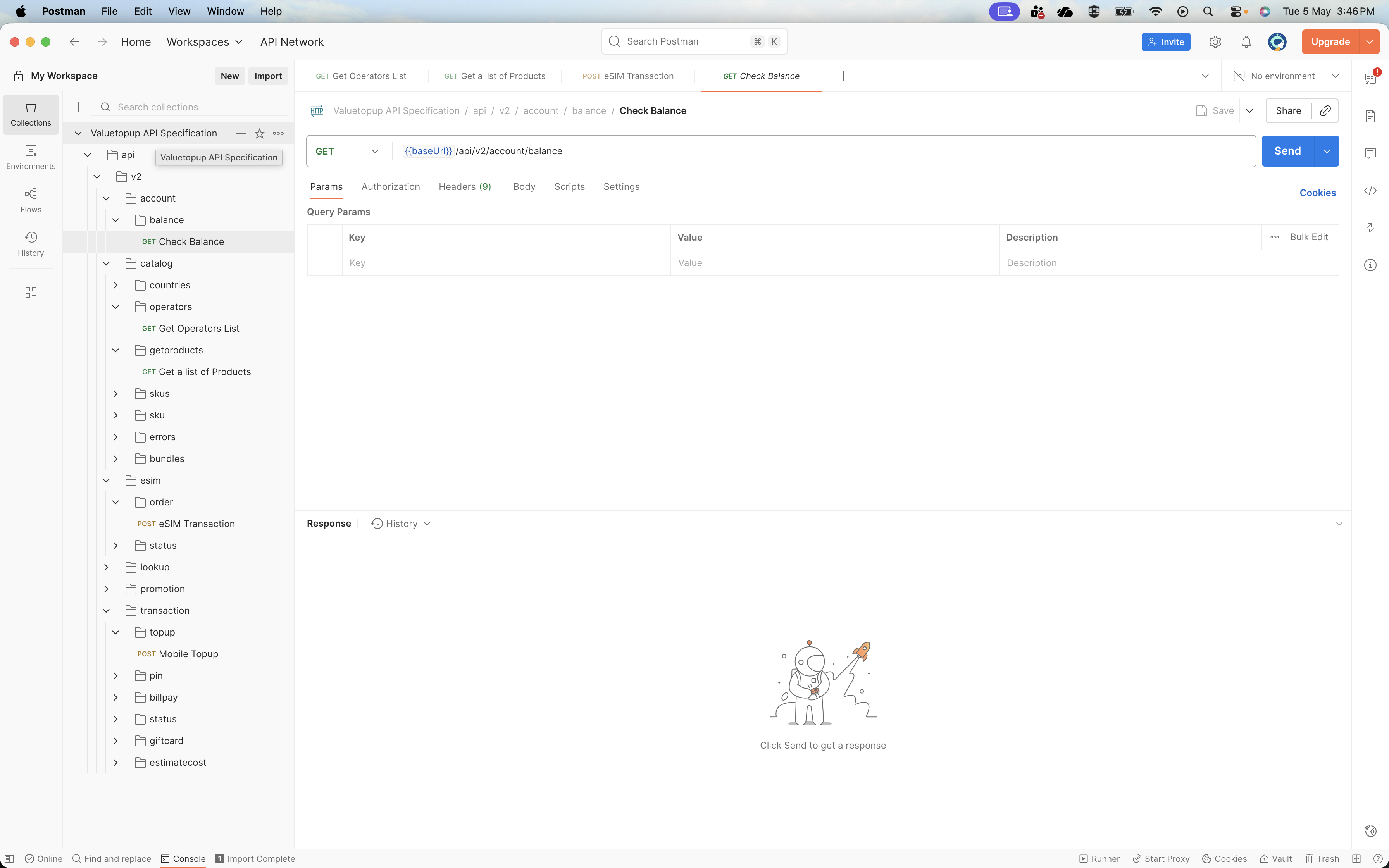
4. Start Sending Requests
Your collection is ready—you can now start testing the APIs by selecting a request and clicking Send.